Convert Images to PDF: Best Tips for High-Quality Results
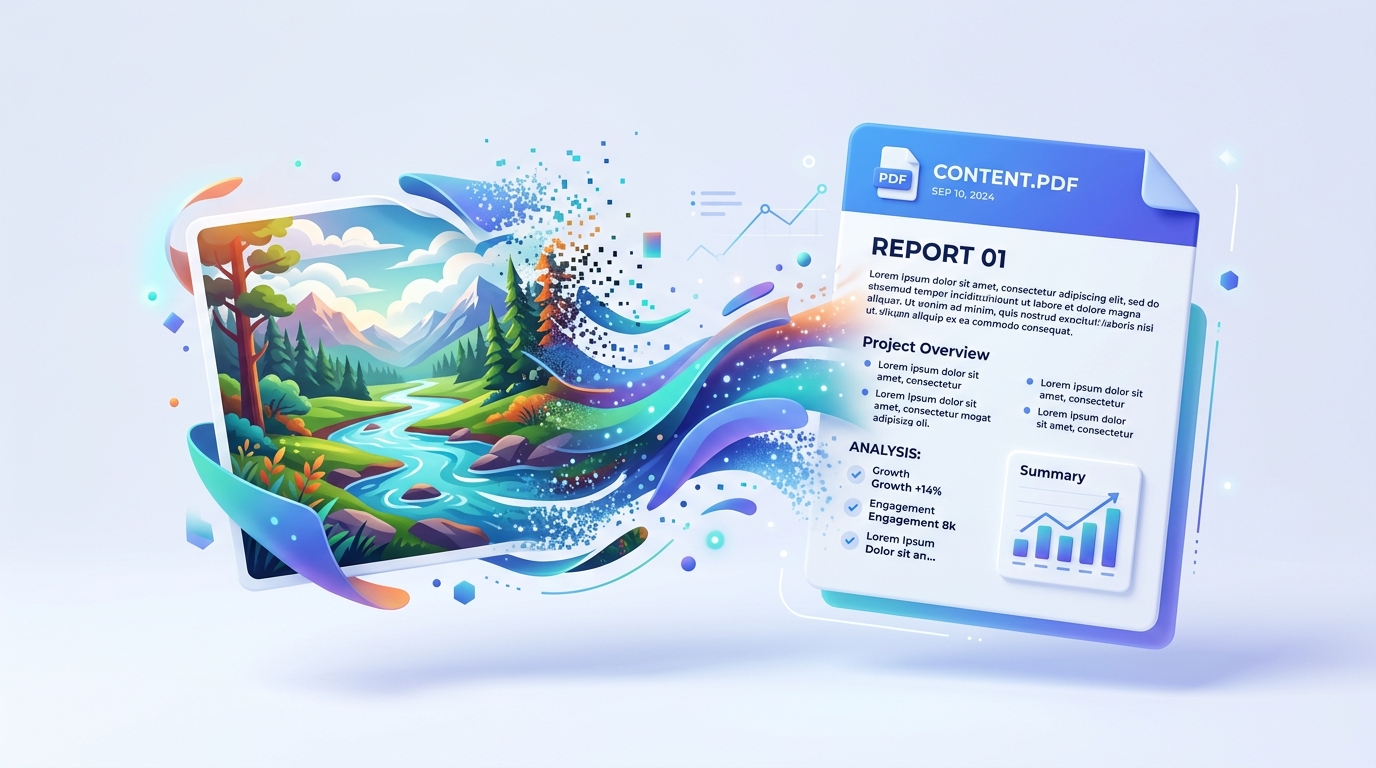
Converting images to PDF is one of the best ways to create shareable documents from scanned papers, photos, or screenshots. Our Image to PDF converter makes this process seamless,
Why Convert Images to PDF?
PDF format is professional, compact, and easy to share. It prevents images from being displayed differently across devices.
Best Tips for Image-to-PDF Conversion
1. Use High-Resolution Images
Ensure images are clear for readable PDFs. Low-quality sources result in blurry documents.
2. Choose Correct Page Size
A4 is best for documents, while custom sizes work for portfolios. Our Image to PDF tool handles standard sizes automatically.
3. Optimize Before Converting
If your images are very large, they will create a huge PDF. You can compress them first or let our tool optimize them.
Final Thoughts
Image-to-PDF conversion is quick with the right tool. Try our free online converter for perfect results.
Ready to optimize your documents?
Try our free PDF tools to convert, compress, and edit your files in seconds. No registration required.