How to Remove Unwanted Pages from a PDF Document
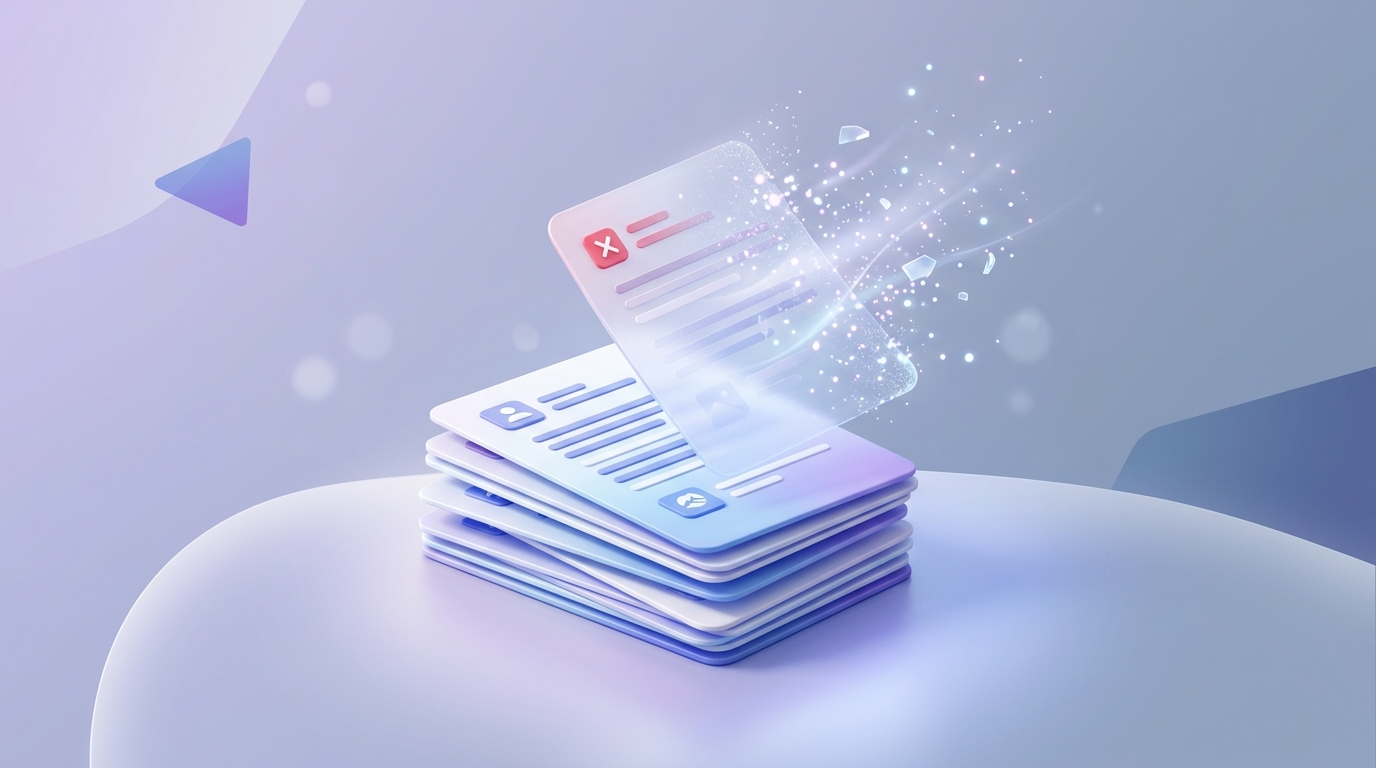
It's incredibly common to end up with a PDF containing pages you just don't want. Maybe there's a blank page at the end of a report, a duplicate invoice, or a page containing sensitive information that shouldn't be shared. Instead of recreating the entire document, you can quickly delete the unwanted pages using our Remove Pages tool.
Common Reasons to Remove PDF Pages
The Easiest Way to Delete Pages from a PDF
Here is how you can clean up your document in seconds:
1. Go to the Tool: Open the Remove PDF Pages tool on One Free PDF.
2. Select Your File: Drag and drop your PDF into the upload area.
3. Select Pages to Delete: You will see a visual preview of all the pages in your document. Simply click on the pages you want to remove. A trash icon or overlay will indicate they are marked for deletion.
4. Apply Changes and Download: Click the button to process the file and download your newly cleaned PDF.
Is it Safe to Upload Sensitive Documents?
Absolutely. One Free PDF processes files locally in your web browser. This means your document is never uploaded to our servers. Once you close the tab, the data is gone forever, providing ultimate security for sensitive files.
Summary
Cleaning up your PDFs doesn't require expensive software like Adobe Acrobat. Use our free, browser-based Remove Pages tool to edit your documents safely and quickly.
Ready to optimize your documents?
Try our free PDF tools to convert, compress, and edit your files in seconds. No registration required.