How to Split a PDF into Separate Pages for Free
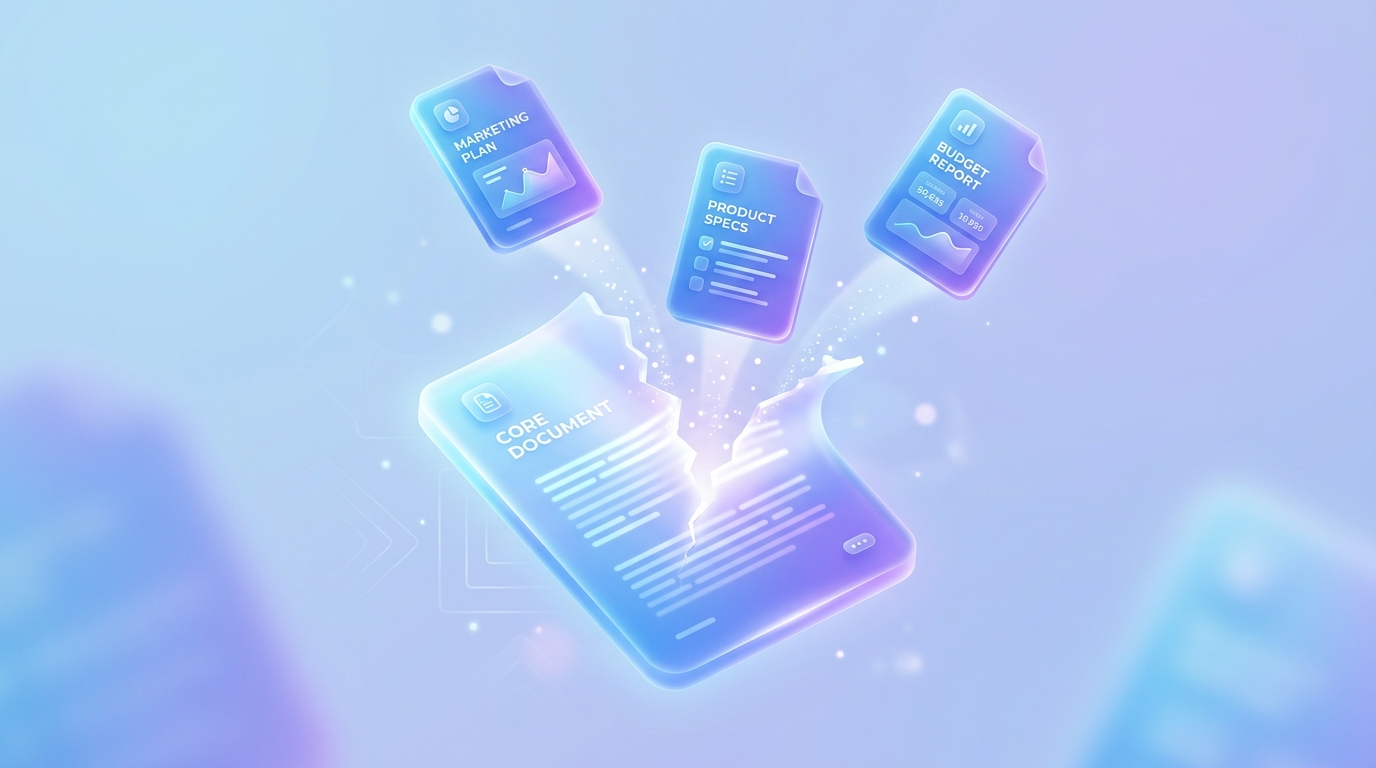
Have you ever received a massive PDF document but only needed a few specific pages from it? Splitting a PDF is the perfect solution. Whether you need to send just one chapter of an eBook, a single invoice from a monthly batch, or specific forms for signature, our Split PDF tool makes it easy.
Why Split a PDF?
Large PDFs can be unwieldy. Splitting them helps you:
How to Split a PDF Online
Step 1: Upload Your Document
Navigate to our free Split PDF tool. You can drag and drop your file directly into the browser. No installation is required.
Step 2: Choose Your Split Method
You generally have two options:
1. Extract all pages: Turn a 10-page PDF into 10 individual PDF files.
2. Select specific ranges: Extract only pages 3-5, for example. If you specifically only want certain pages, try our dedicated Extract Pages tool.
Step 3: Download Your Files
Once processed, download your new, smaller PDF files instantly. Since processing happens entirely in your browser, your files are never uploaded to an external server, guaranteeing your privacy.
Can I Do This on a Mac or Mobile Device?
Yes! Because our tools are 100% web-based, you can split PDFs on a Mac, Windows PC, iPhone, or Android device using just your web browser.
Final Thoughts
Don't let massive documents slow you down. Use our fast and private PDF Splitter to organize your files efficiently.
Ready to optimize your documents?
Try our free PDF tools to convert, compress, and edit your files in seconds. No registration required.